

Welcome to Pixoas Hub: a guide and complete article index
Screenshots show the original interface and may contain Korean text.
🌴 What is Pixoas Hub?
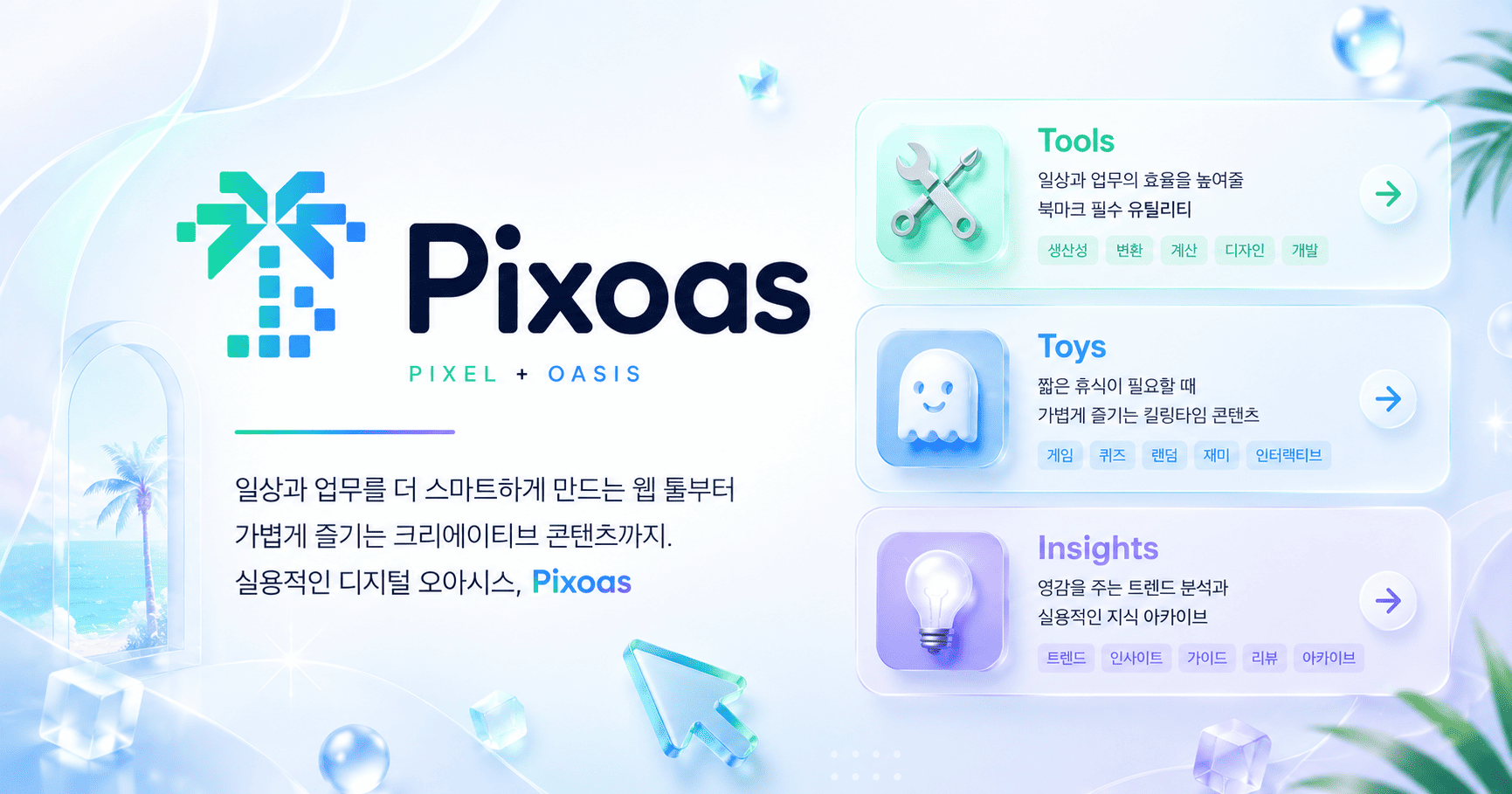
Pixoas Hub brings together useful services and practical knowledge gained from building and running websites and web tools.
Our own web tools are free to use and designed to make everyday tasks and work easier. In Insights, we document the problems we encounter while planning, developing, and running these services, along with what helped us solve them.
There is no shortage of information online, but finding exactly what you need can be difficult. Similar advice gets repeated, and the main point is not always clear. Amid that noise, Pixoas Hub aims to create clear, useful content grounded in verified facts and firsthand experience.
The site has three main categories: Insights, Tools, and Toys.
📂 A guide to the categories
📝 1. Insights
Here we share firsthand experiences of building and running websites and web tools. Articles cover the three areas below, alongside multi-part series that explore individual subjects in more depth.
- 🎨 Lessons from planning — Defining features and designing the user experience (UX).
- 💻 Lessons from development — Front-end implementation and approaches to solving technical problems.
- 🚀 Lessons from operations — Automated deployment, search engine visibility (SEO), and monetization.
🛠️ 2. Tools
Explore free, practical utilities planned and built by Pixoas.
These web tools run directly in your browser, with no separate software to install.
🧸 3. Toys
A collection of fun, lightweight web experiences made by Pixoas.
Discover browser games and interactive experiences you can enjoy whenever you have a moment.
🗺️ Complete article index
This is an overview of all content published on Pixoas Hub.
Choose an article title below to go straight to its page.
💡 Use your browser’s Find function (Ctrl + F) or the site search at the top right (Ctrl + K) to find what you need.
📁 [Insights] Learn
📖 Lessons from planning [Planning]
💻 Lessons from development [Development]
🚀 Lessons from operations [Operations]
📝 Website-building basics: a complete nine-part series
- 💡 [Building a website, part 1] Zero running costs? Why I chose Notion over WordPress (Korean)
- 🎨 [Building a website, part 2] Using AI to build a website's structure without writing code yourself (Korean)
- 📝 [Building a website, part 3] Using Notion as your website's CMS (Korean)
- ☁️ [Building a website, part 4] Deploying a website with Cloudflare Pages (Korean)
- ⚙️ [Building a website, part 5] Automatically publishing Notion posts with GitHub Actions (Korean)
- 🚨 [Building a website, part 6] Fixing broken Notion images (Korean)
- 📈 [Building a website, part 7] Registering with search engines and connecting a domain (Korean)
- 💰 [Building a website, part 8] AdSense approval and avoiding low-value content (Korean)
- 🤖 [Building a website, part 9] Using AI to grow your blog's readership (Korean)
📁 [Tools] Get things done
📩 Get in touch
If you have feedback on our content, an idea for a new tool, or a business collaboration proposal, please get in touch through the channels below.
- 💡 Suggest a new tool: Submit a suggestion through Google Forms
- ✉️ Business and general enquiries: [email protected]
Thank you for visiting Pixoas Hub.